How to Sign Up
Overview
When a new user visits Huula, the Sign Up dialog launches automatically to start the onboarding process.
Users can choose from three authentication options, offering flexibility and ease of access:
- Email Sign Up: simple entry with verification code
- Google Sign In: quick OAuth authentication
- Wallet Authentication: connect via supported crypto wallet
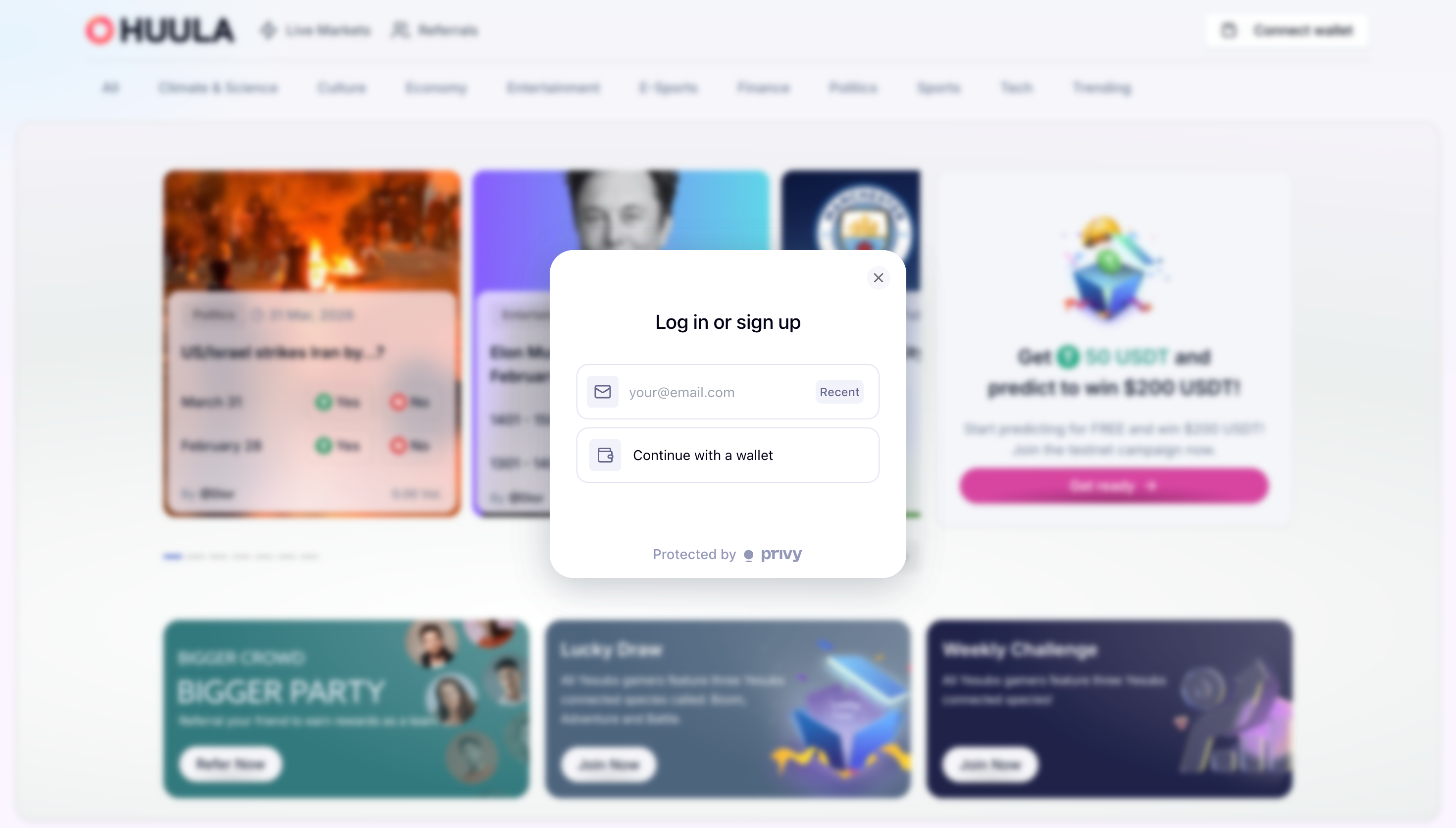
Each method includes a video walkthrough for step by step guidance.
Opening the Sign Up Dialog
- Navigate to the Huula platform.
- Click Connect Wallet in the top right corner.
- The Sign Up dialog appears, presenting three authentication methods:
- Email Sign Up (manual entry + verification code)
- Google Sign In (recommended)
- Wallet Authentication
Authentication Methods
1. Email Sign Up
-
Start Sign Up
Click Connect Wallet → select Email.
-
Enter & Verify Email
- Type your email address.
- Check your inbox for a one time verification code.
- Enter the code in the dialog.
-
Sign In Confirmation
Once verified, you'll be logged in with full access to trading and portfolio features.
Video Guide
Coming soon
2. Google Sign In (Recommended)
-
Access the Platform
Go to Huula.
-
Sign in with Google
- Click Connect Wallet in the top navigation bar.
- Select Google.
- Choose your Google account (e.g.,
example@gmail.com).
-
Sign In Confirmation
Once signed in, you'll see:
- Portfolio Balance (e.g., $335.57)
- Username/Profile display
- Access to My Positions and Watchlist
Video Guide
Coming soon
3. Wallet Authentication
-
Click "Connect Wallet" in the top navigation bar.
-
Select "MetaMask Recent" from the login modal. The platform initiates a MetaMask connection request. You may need to sign a MetaMask message to complete authentication.
-
While awaiting approval, the platform will show "Waiting for MetaMask" status.
-
Complete Sign In
- Once approved in MetaMask, your account will be connected and ready to trade.
- Wallet authentication enables smart account features for streamlined transactions.
Video Guide
Coming soon